Receive our bi-weekly roundup with tutorials, news and resources from the 3D world, and fresh updates on our latest content.
🚀 3D Hair Grooming using Geometry Nodes in Blender
|
Hair is one of those features that’s easy to overlook, but plays an important role in making a character feel truly real and alive. By the time you reach character grooming, you’ve usually gone through sculpting, modeling, retopology, texturing & shading. Your initial energy and passion can start feeling low, and the temptation to rush your character's hair is real. But this is the very moment to slow down and lean in. Hair can be one of the most satisfying and creative parts of the process. And because many artists skip this or rely on sculpted geometry, it’s a great opportunity to stand out. Done well, it introduces asymmetry, movement, and a level of believability that’s difficult to achieve elsewhere. And the good news is that with Blender’s Geometry Nodes-based hair system, grooming is now more flexible and controlled than it used to be. Let’s have a look. 👀 We have a special offer running to celebrate the course update, Master 3D Characters is 20% off until May 7th 2026 - 23:59 CEST. 20% Coupon Code: TEXTURE20 If you want to jump straight into the course overview, checkout student reviews and play the chapter introduction videos, 👉 click this link. Exploring Blender’s Geometry Nodes-based HairIn the new Part 3 of our Master 3D Characters course, instead of using the older particle system, the focus is on a curve-based approach, so you’re not constantly working against the tool’s limitations. Hair is built using curves driven by Geometry Nodes, which gives you direct control and access to the underlying data. This is also a great way to get familiar with Geometry Nodes while working on something more tangible. The Industry Standard ApproachWe’ll use a guide-hair workflow, an approach used in other software like ZBrush FiberMesh. The way it works is that you don’t have to groom every hair strand; we use guide hairs, and the rest of the hairs interpolate and follow those shapes. This is a standardized approach used professionally. To get familiar with Blender’s new system, we’ll start simple, with a sweater, and use premade modifiers to understand how it behaves. This stage is more fun and exploratory. You can stay loose, experiment, and get a feel for how the tools respond without worrying too much about precision. Then we move to the eyebrows and eyelashes, focusing on precise control on a smaller surface with lighter grooming, so everything stays fun, manageable, and easy to learn. Then, with the full hair, we go deeper into grooming, working with guide hairs and learning how to handle layering. And at the end, we'll have realistically shaded hair, and know how to optimize our hair so that it runs more smoothly in our 3D viewport. So, if you are serious about mastering the craft of creating high-quality, believable 3D characters in Blender, our Master 3D Characters course (including the new update) is for you. Master 3D Characters is 20% off until May 7th, 2026 - 23:59 CEST. 20% Coupon Code: TEXTURE20
We hope you enjoyed reading and learning more about how we approach teaching hair in our full Master 3D characters course. Enjoy! Jarosław, Zach & Alan (the CG Boost Newsletter Team) |
CG Boost - Bi-Weekly 3D Resources
Receive our bi-weekly roundup with tutorials, news and resources from the 3D world, and fresh updates on our latest content.
Hey Reader, Today, we have even more goodies for you than usual, so stay with us till the end. There are 3 new videos from our instructors and a free, flexible Blender Eye Kit (along with Jim’s tutorial). Louis shares a breakdown of his assistant bot, AiB, and Martin gets into intricate details of his stylized Spartan armor. Lastly, we share a beautiful feature film trailer made in Blender, and Humaniq - a new human characters library and crowd generator, so strap on your seatbelts and let’s...
Hey Reader, Before we even start, we’d love to let you know that the Film Stop Channel’s problems that we mentioned in the last newsletter are now resolved, and Colin’s control of the channel has been restored. 🥳 Now, on to the regular stuff. Today, we’ve prepared a whole bunch of goodies and inspirations from the 3D world, including a new 3D Character Challenge, a jaw-dropping painterly animation trailer, and two new free tools for Blender: a painterly filter compositing node and Southern...
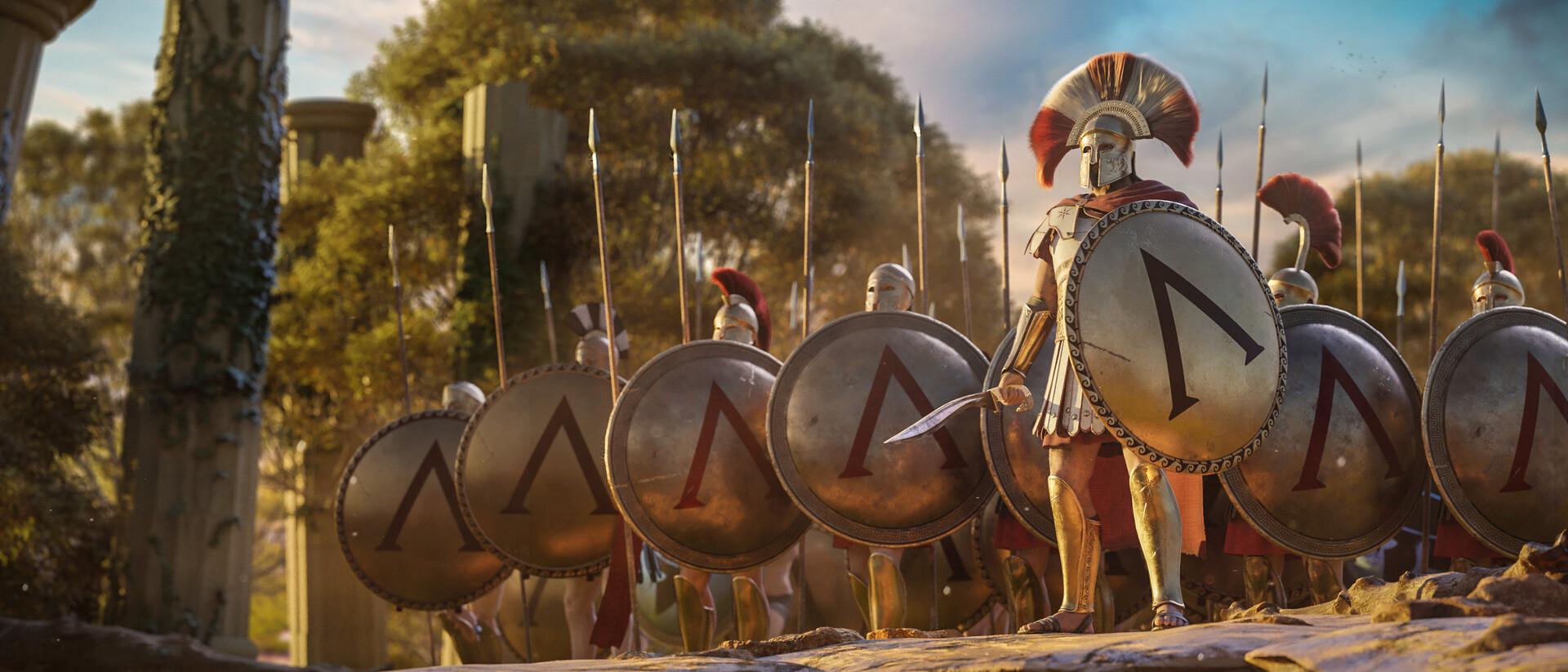
Hey Reader, Today we get to Interview Martin Klekner to talk about storytelling, the changing creative landscape, and why we decided to expand our Master Cinematic Storytelling Course with new lessons focused on Blender's Video Editor. If you don’t know Martin, he's the creator of the Heroes of Bronze Short Film, and has been pushing the envelope in CG Filmmaking in Blender for years. He’s also the creator of the CG Boost Master Cinematic Storytelling course and has his own YouTube channel...