Receive our bi-weekly roundup with tutorials, news and resources from the 3D world, and fresh updates on our latest content.
🚀 [Resources] Stunning 3D Monster Animation, Video Editing in Blender 5.0 and more...
|
Zach here, With some fresh news, inspirations, and resources from the 3D world. Today, I’ll share a scary but great monster animation made in Blender (with a breakdown), followed by an introduction to Blender 5.0 Video Sequence Editor. Finally, I’ll share some info about ToAnimate’s Black Friday Sale. Let’s dive in. Awesome Scary Creature Made in Blender by 3 ArtistsGleb Alexandrov, DemNikoArt, and Marlon R. Nunez teamed up to create this stunning collaborative 3D project. Marlon did the sculpting in ZBrush and texturing in Mari, Niko rigged the creature in Blender, and Gleb threw some of his lighting magic spells and rendered it in EEVEE. Though the animation is short and pretty simple, the effect is flawless. This goes to show what’s possible when a team of talented artists works in synergy (each one showcasing their strongest skills). They’ve also shared a little breakdown video to show a bit of their workflows. Blender 5.0 Video Sequence Editor vs Adobe PremiereBlender 5.0 release is coming next week, and Martin Klekner takes a sneak peek into the new, exciting features of the Video Sequence Editor. Can it be a good alternative to Adobe Premiere? In this video, Martin shows some of the new video editing possibilities in Blender 5.0. One of the most exciting new features is combining the VSE with the Compositor. It’s also now possible to edit 3D scenes simultaneously with video editing, making it easy to work on the entire animation pipeline from start to finish without ever leaving Blender! 🤯 ToAnimate Black Friday SaleBlack Friday is just around the corner, and ToAnimate has prepared a nice 30% discount for this occasion. There are only 25 spots, so make sure you don’t miss out if you’re looking to level up in animation. The sale will run from November 15th until December 1st, 2025. To claim the discount, use the Coupon code: BF2025 Check out ToAnimate's courses here (affiliate link) That’s all from me today. Have a great weekend, and till next time. ~Zach P.S. We’re also preparing something special for Black Friday, so stay tuned! |
CG Boost - Bi-Weekly 3D Resources
Receive our bi-weekly roundup with tutorials, news and resources from the 3D world, and fresh updates on our latest content.
Hey Reader, Today, we have even more goodies for you than usual, so stay with us till the end. There are 3 new videos from our instructors and a free, flexible Blender Eye Kit (along with Jim’s tutorial). Louis shares a breakdown of his assistant bot, AiB, and Martin gets into intricate details of his stylized Spartan armor. Lastly, we share a beautiful feature film trailer made in Blender, and Humaniq - a new human characters library and crowd generator, so strap on your seatbelts and let’s...
Hey Reader, Before we even start, we’d love to let you know that the Film Stop Channel’s problems that we mentioned in the last newsletter are now resolved, and Colin’s control of the channel has been restored. 🥳 Now, on to the regular stuff. Today, we’ve prepared a whole bunch of goodies and inspirations from the 3D world, including a new 3D Character Challenge, a jaw-dropping painterly animation trailer, and two new free tools for Blender: a painterly filter compositing node and Southern...
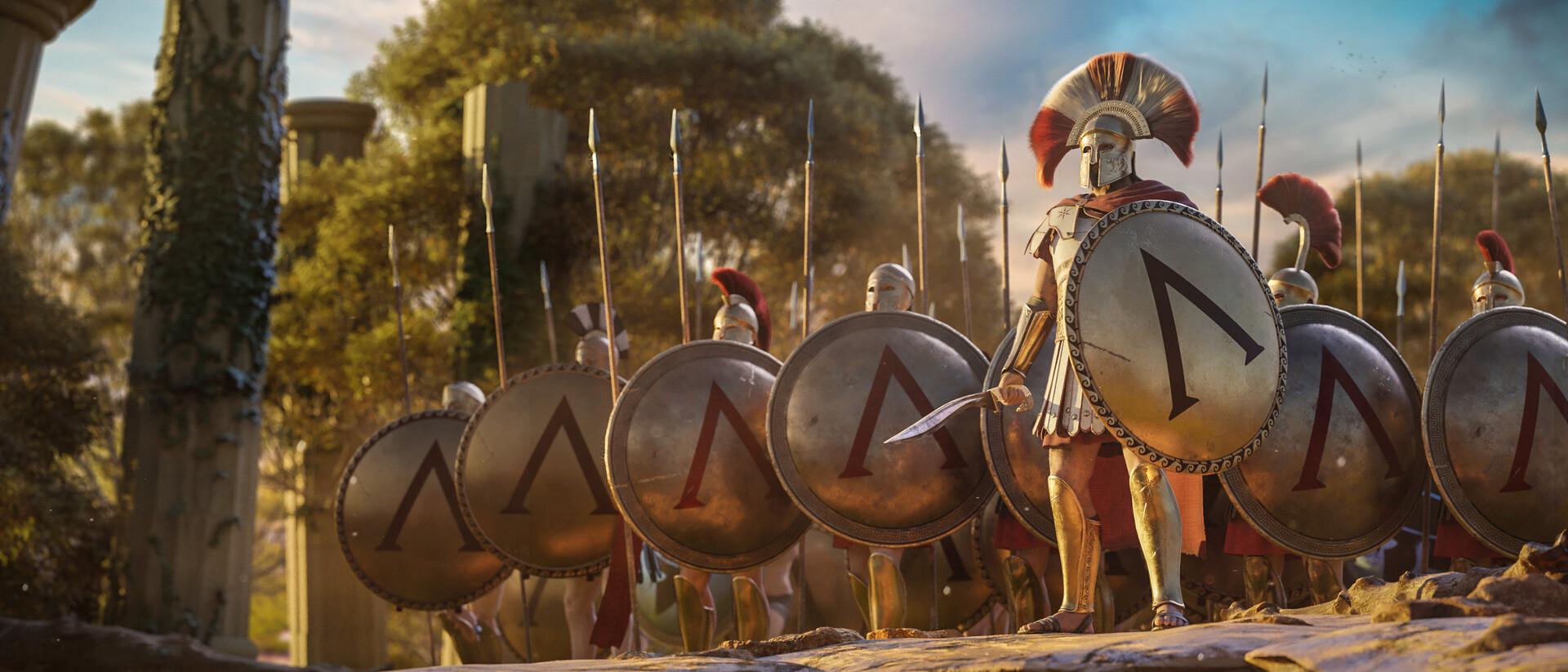
Hey Reader, Today we get to Interview Martin Klekner to talk about storytelling, the changing creative landscape, and why we decided to expand our Master Cinematic Storytelling Course with new lessons focused on Blender's Video Editor. If you don’t know Martin, he's the creator of the Heroes of Bronze Short Film, and has been pushing the envelope in CG Filmmaking in Blender for years. He’s also the creator of the CG Boost Master Cinematic Storytelling course and has his own YouTube channel...